L
Local-first storage
Subscriptions are saved in your browser, not on a server. Your billing data never leaves your machine unless you turn on email reminders.
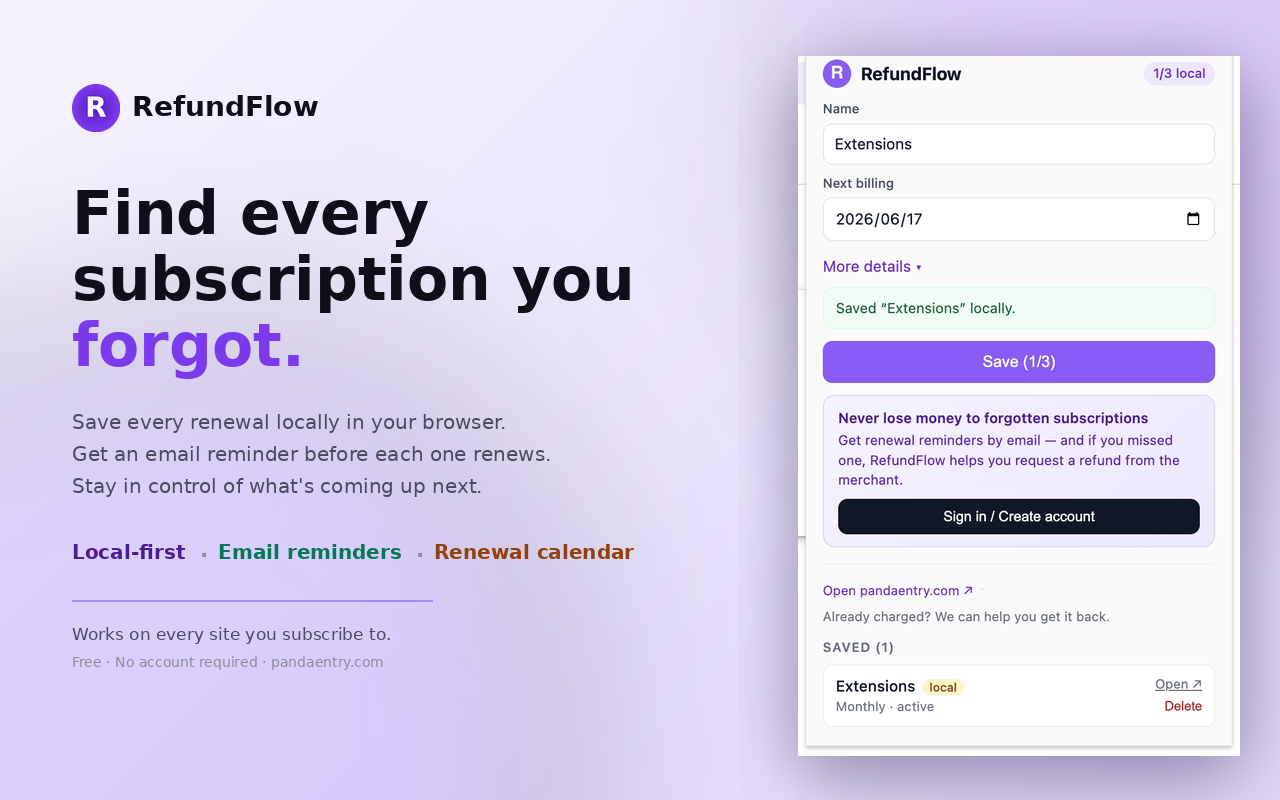
RefundFlow saves every subscription locally in your browser and emails you before each one renews. Cancel in time, avoid duplicate charges, and stop paying for services you forgot you had.
Built for people who have signed up for one too many free trials. Six features, zero bloat, zero tracking.
Subscriptions are saved in your browser, not on a server. Your billing data never leaves your machine unless you turn on email reminders.
Get a heads-up 3, 1, and 0 days before any subscription renews. Cancel in time, never get charged for something you forgot.
On any merchant page — Netflix, Spotify, Notion, Adobe, ChatGPT — open the extension and the name, price, and next billing date are pre-filled.
See total monthly spend across every saved subscription. Spot duplicates (two cloud storage plans, two streaming bundles) and cut the dead weight.
A clean calendar of every upcoming renewal date. Plan cancellations around your billing cycle so you keep access through the paid period.
If a charge slipped through, jump straight to pandaentry.com to scan a statement and claim a refund on the same day.
Click 'Add to Chrome'. No signup. No payment. The icon appears next to your address bar.
Open any service you pay for monthly or annually — Netflix, Spotify, Notion, Adobe, ChatGPT — pin the price and next billing date. Stored locally.
Add an email and we'll send a renewal reminder 3 days, 1 day, and on the day itself. Cancel in time. Never pay for forgotten subs again.
Yes. Tracking subscriptions, the renewal calendar, and email reminders are free with no account required. We offer paid refund recovery on pandaentry.com if you want to claim back charges you already missed, but the extension itself is free forever.
No. Subscriptions are saved in your browser's local storage (chrome.storage). If you opt into email reminders, we only sync the renewal date and a label — never card numbers or merchant credentials. You can clear all data from the extension settings at any time.
Bank apps only show charges after they happen. RefundFlow lets you capture a subscription the moment you sign up — including free trials that haven't billed yet — so you can cancel before the first charge ever lands. We also flag annual plans, which bank apps miss for 11 months out of 12.
Any. The extension is service-agnostic — Netflix, Spotify, Disney+, Hulu, HBO Max, Apple Music, YouTube Premium, ChatGPT Plus, Claude Pro, Notion, Figma, Adobe Creative Cloud, Microsoft 365, Dropbox, iCloud+, NYT, WSJ, Substack newsletters, gym memberships, dating apps — anything with a recurring charge.
Use the main RefundFlow site at pandaentry.com — upload your bank statement and we'll find every recurring charge and help you claim the refund. The extension is for prevention going forward; the website is for recovering money already spent.
The extension is closed-source today but does not include any analytics, tracking pixels, or third-party SDKs. Permissions requested: storage (to save subs locally) and host access to the merchant page you're viewing (to prefill the form). Nothing else.
Honest side-by-side comparisons with the apps people usually weigh against RefundFlow.
Service-specific guides — pricing, refund windows, and the exact capture flow inside the extension.